DocsGetting started
Export from your own buttons
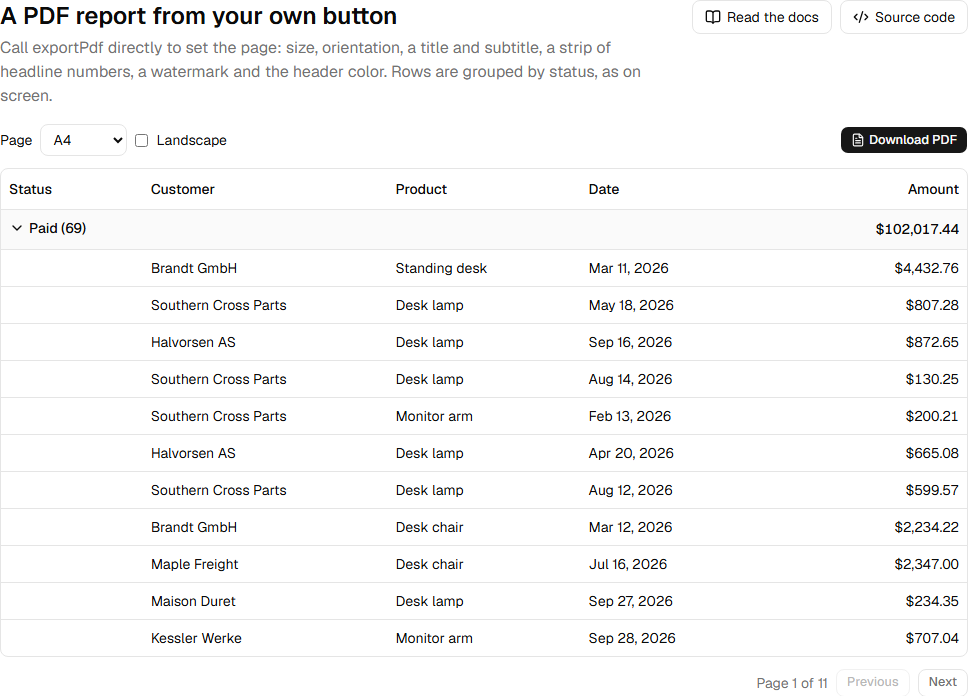
The export menu is optional. Call the export functions from any button, a keyboard shortcut or a scheduled job in the browser.
import { exportCsv, exportPdf, exportXlsx } from "rowpine"

await exportXlsx(table, { fileName: "orders" })
await exportPdf(table, { fileName: "orders", title: "Orders", pageOrientation: "landscape" })
await exportCsv(table, { fileName: "orders" })
Each returns the file as a Blob and, by default, saves it in the browser. Pass download: false to keep the Blob, for example to upload it or attach it to an email:
const blob = await exportXlsx(table, { download: false })
await fetch("/api/reports", { method: "POST", body: blob })
Options shared by all three:
| Option | What it does |
|---|---|
fileName |
File name; the extension is added. |
rows |
"all" (default), "page" or "selected". See which rows are exported. |
rowStyle |
(original) => ({ fill, color, bold }) for whole rows. |
download |
Save the file. Default true. |
Was this page helpful?
Thanks. To tell us more, write to info@jqwidgets.com.