DocsPDF
PDF page setup
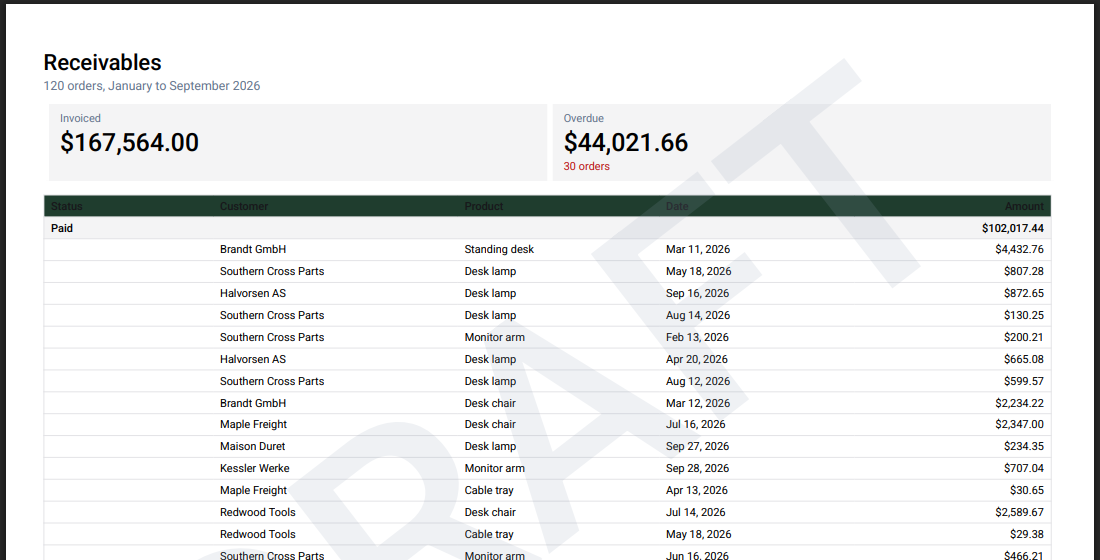
Page size, orientation, margins and how a wide table fits the page are all options of exportPdf.
await exportPdf(table, {
  pageSize: "LETTER",
  pageOrientation: "landscape",
  margins: [28, 34, 28, 34],
  fontSize: 8,
})| Option | What it does |
|---|---|
pageSize |
A4 (default), A3, A5, LETTER, LEGAL. |
pageOrientation |
portrait or landscape. Default: landscape past autoLandscapeThreshold columns (8). |
margins |
[left, top, right, bottom] in points. |
fontSize |
Base size in points. Default 8. |
columnWidths |
"*", "auto", or one entry per column (points, "auto" or "*"). |
fit |
"auto" (default): shrink, then split columns over pages. "shrink", "split" or "none". |
repeatColumns |
Columns repeated on every page when columns split. Default 1. |
repeatHeader |
Repeat the header row on every page. Default true. |
showPageNumbers |
The date and page footer. Default true. |
labels |
{ page: (p, n) => string, date: (d) => string } for another language. |
Colors: headerColor (default none), headerTextColor, textColor, borderColor, subtotalColor for group rows, zebra and zebraColor for stripes (off by default), and verticalLines for lines between columns (off by default). The defaults look like a shadcn/ui table; export to PDF shows how to take your theme's colors instead.
Was this page helpful?
Thanks. To tell us more, write to info@jqwidgets.com.